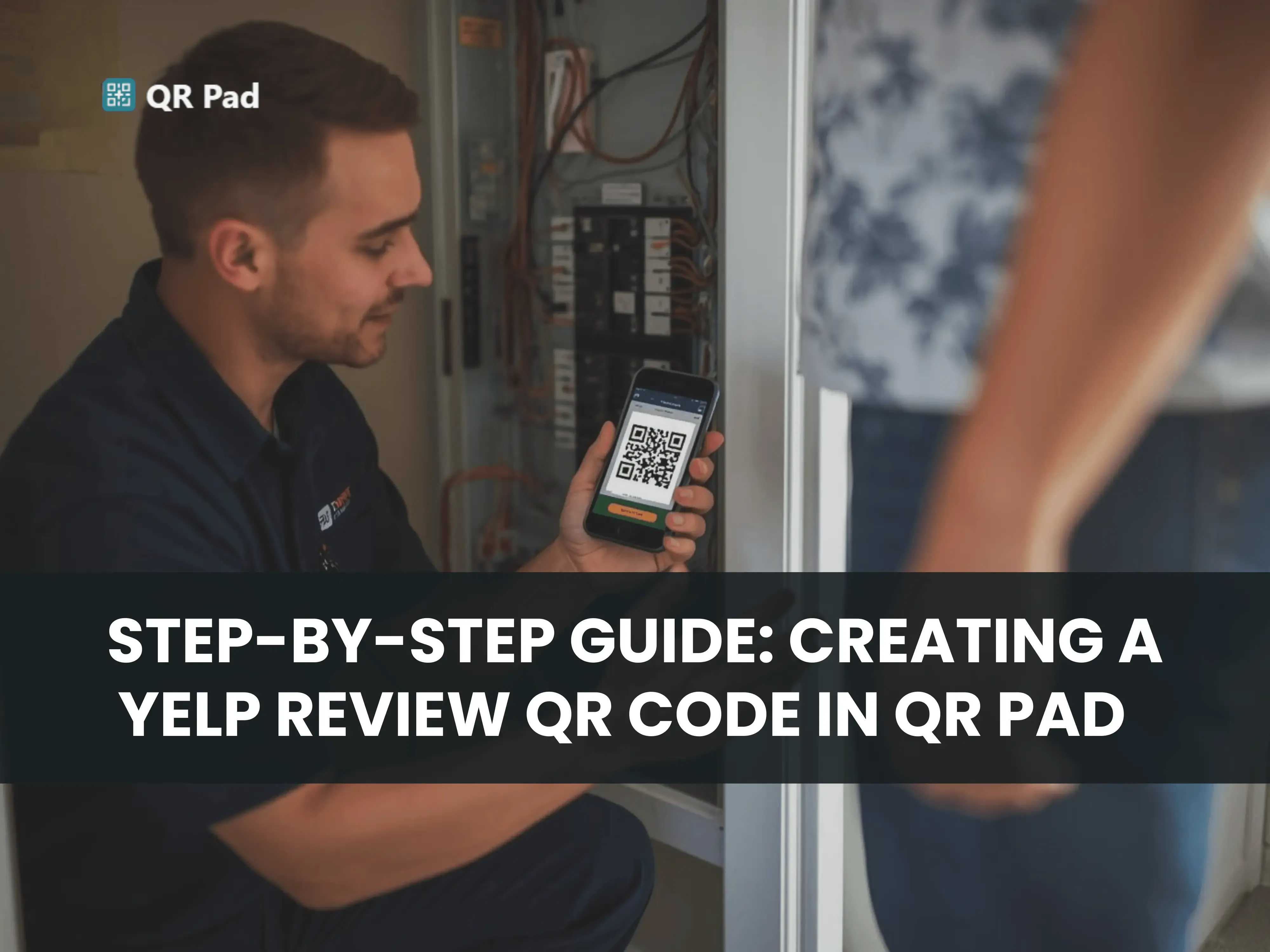
How to Create a QR Code: A Step-by-Step Tutorial
Customer reviews on Yelp and Google carry real weight for service-based businesses that rely on trust and local visibility. The challenge shows up after the job is done. Customers mean to leave feedback, but time passes, links get lost, and the review never happens. QR Pad changes that flow by removing extra steps and turning the moment into a single scan. A Yelp and Google review QR code generator app makes it possible to turn every completed job into an immediate review opportunity.
The process below explains how to create a QR code using QR Pad and use it for both Yelp and Google reviews in a consistent, practical way.
Step 1: Download QR Pad
Start by installing QR Pad on a phone or tablet. The app is built for service-based providers who work directly with customers. Having QR Pad installed ensures that your Google or Yelp review QR code is always accessible
Once installed, keep the app easy to access. Placing it on the home screen or dock prevents delays when a review moment appears. There is no need to search through apps or menus after finishing a job. One tap opens everything, keeping the process ready while the customer experience is still fresh.
Step 2: Open QR Pad and Add Your Review Link
Open QR Pad and enter the direct link to your Yelp review page or Google review page. Both links can be used depending on your setup and customer flow. Some businesses prefer one platform, others use both to increase coverage across search results.
The direct link matters. When customers scan the QR code, they should land straight on the review form without extra navigation or searching.
Double-check each link before saving it. A broken or incorrect URL leads to missed reviews. Once stored inside QR Pad, the link stays available for repeated use across all jobs.
Step 3: Generate Your Review QR Code
After adding your review link, QR Pad instantly generates a QR code.
The code is ready immediately, and there are optional design adjustments. You can change colors, add a logo, or modify the frame style to match your branding.
These changes are optional, but presentation affects how often people scan. A clean, recognizable QR code tends to perform better because it feels intentional and easier to trust. Customers respond faster when the display looks organized and familiar.
Step 4: Present the QR Code at the Right Moment
Timing affects how many reviews you receive.The strongest moment is right after the service is completed, when the customer is still satisfied and the experience is still fresh. Waiting too long lowers the chance of follow-through.
Show the QR code on your phone, tablet, or a printed card. A simple message works without overcomplicating the request:
“If you’re happy with our work, I’d really appreciate a quick review. Just scan this code and it takes you right there.”
This removes unnecessary steps. Customers do not need to search for your business or figure out where to leave feedback. One scan takes them directly to either Yelp or Google review pages where they can submit feedback right away.
Step 5: Follow Up When Necessary
Not every customer leaves a review on the spot, even when satisfied.
QR Pad allows you to send a follow up text message with the same Yelp or Google review link. This reminder keeps the process simple and gives customers another chance to respond when they have more time.
Most reviews come within 24 hours when the link is direct and easy to access. The follow up acts as a reminder, not a repeat request, which keeps the interaction natural and low pressure.
Why QR Pad Works
Businesses using QR Pad often see a noticeable increase in both Yelp and Google reviews compared to traditional asking methods. Many report three to five times more feedback after switching to a scan based system.
The improvement comes from removing friction in the process:
- No searching for business listings
- No typing or manual navigation
- No delay between service and action
- Direct access to Yelp or Google review pages in one scan
When the process becomes simple, more customers complete it. Over time, this improves local search visibility, strengthens reputation signals, and increases trust with new customers evaluating the business online.

Take Action Today
Creating a Google or Yelp review QR code with QR Pad is fast, simple, and effective. Download the app, generate your code, and present it to your customers at the right moment.
With QR Pad, every completed service becomes an opportunity to collect valuable feedback and grow your business. Turn satisfied customers into views with just one scan and start building a stronger, more visible online presence today.
