
Where to Place Yelp QR Codes for More Reviews
Capturing Yelp reviews is essential for service-based providers who want to build credibility, improve online visibility, and attract new customers. But even with a Yelp QR code, placement matters. Displaying the code at the right time and in the right location can dramatically increase the number of reviews collected.
This guide explores the best practices for placing your Yelp QR code to ensure maximum review collection and turn every completed service into a one-scan opportunity.
Keep Your QR Code Easily Accessible
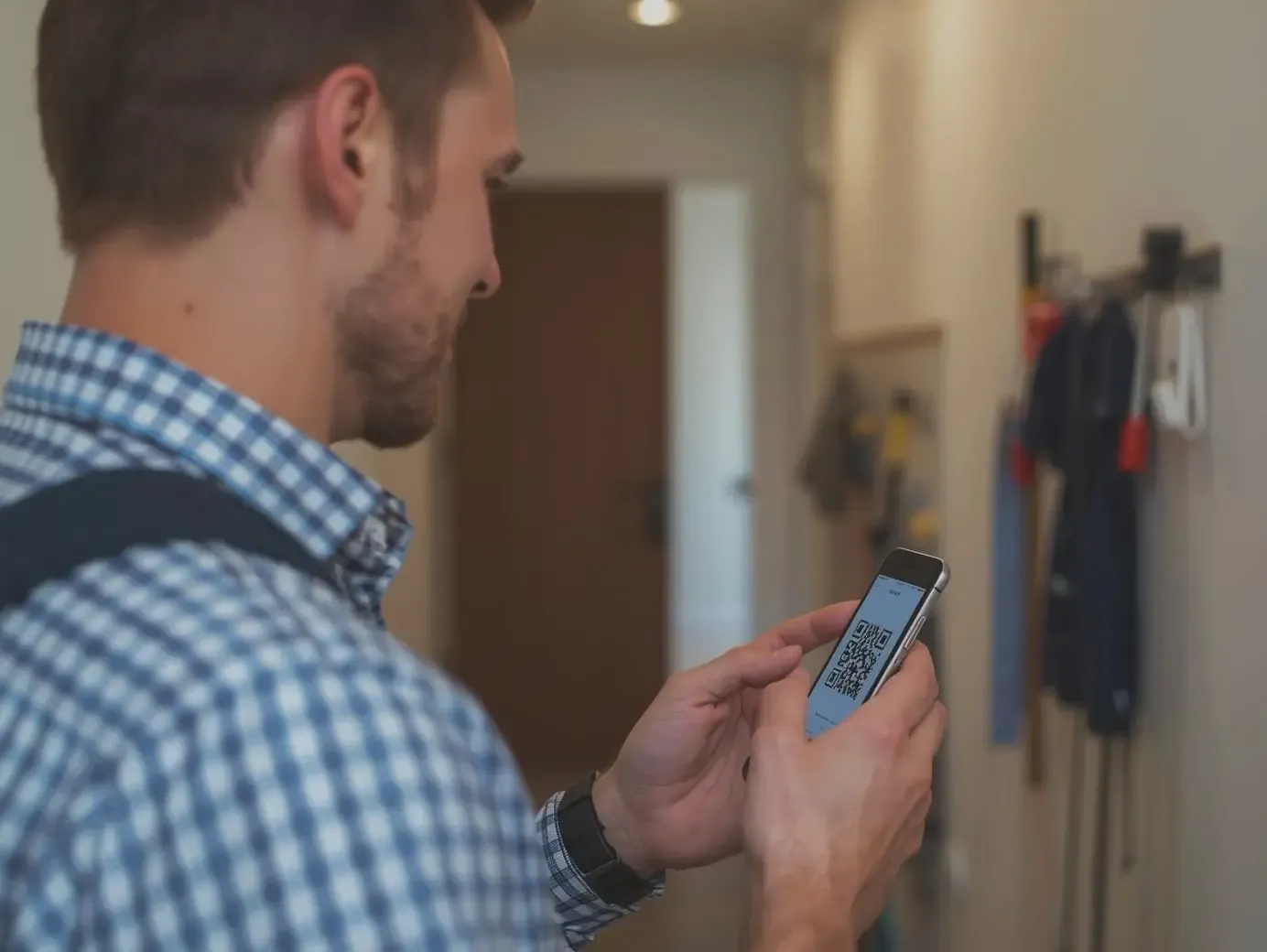
The first step to effective placement is ensuring that your Yelp QR code is always accessible. Before heading to a job, open QR Pad and have your review QR code ready. The app keeps it instantly available on your phone, so there’s no fumbling or searching when the time comes.
Pro tip: Add QR Pad to your home screen or phone dock for one-tap access. This ensures that when you finish a job, your QR code is only a second away.
Display It Right After Service Completion
Timing is critical. The best moment to ask for a review is immediately after you complete the service and the customer is satisfied. At this point, the experience is fresh, and customers are most motivated to leave feedback.
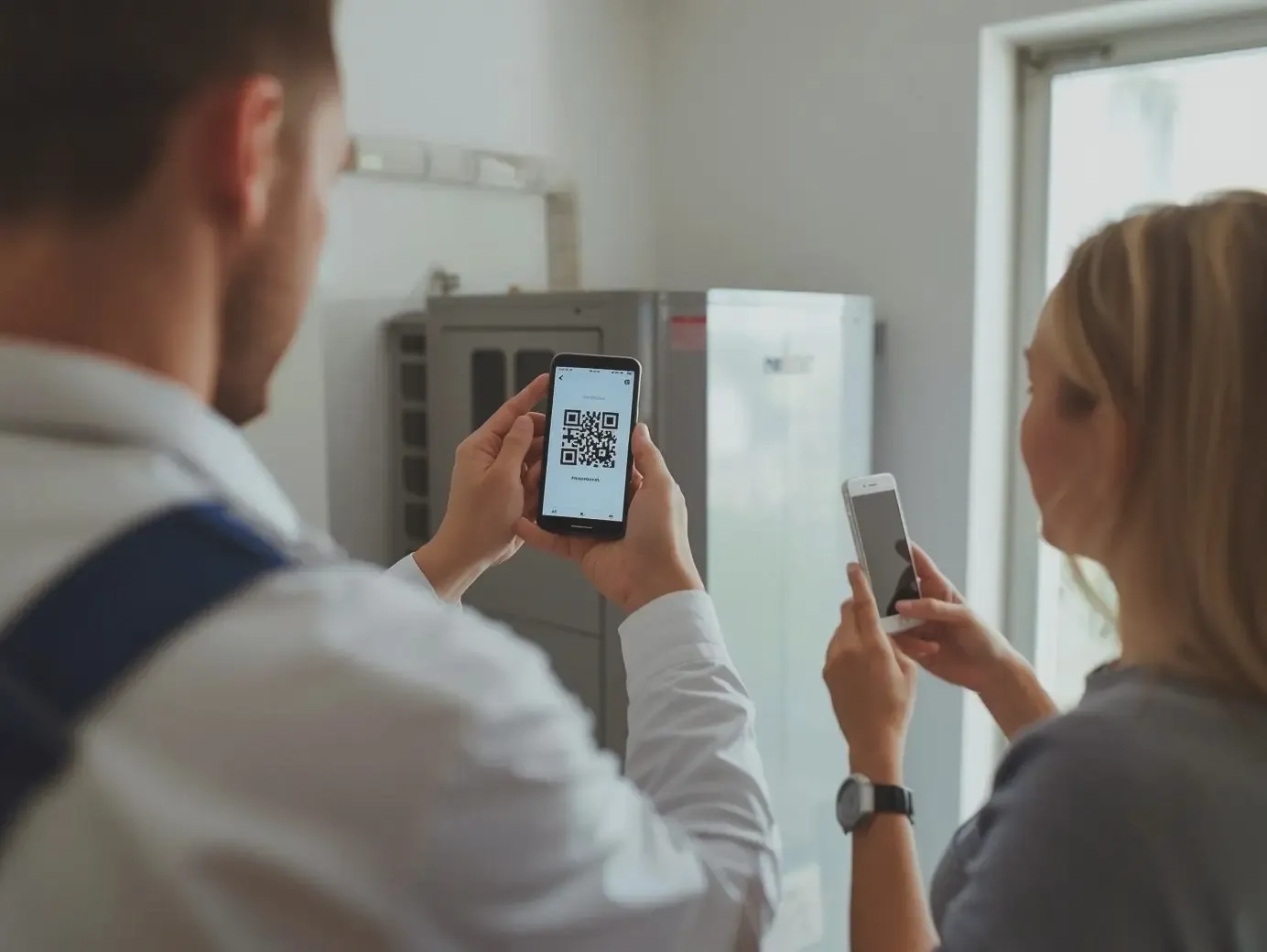
For on-site placement, simply hold your phone or tablet displaying the QR code and invite the customer to scan it. A simple line like works best. This one-scan process eliminates friction and encourages immediate action.
Optimal Physical Placement Options
While displaying your QR code on your phone is the most direct approach, there are other ways to make it visible to customers:
- Tablets or Clipboards**:** If you use a tablet for service notes or inspection forms, display the QR code on the screen for the customer to scan.
- Printed Cards**:** Small cards with your Yelp QR code can be left with the customer after the job. Make sure the card is visible and easy to grab.
- Work Vehicle or Uniform Display**:** For mobile service providers, a QR code sticker on the inside of a service vehicle door or on your uniform can catch attention after the job is done.
All of these placements work best when paired with a verbal prompt, encouraging the customer to complete a one-scan review immediately.
Optional Digital Follow-Up
Even with perfect placement, not all customers will scan your QR code on the spot. QR Pad allows you to send the review link via text, giving customers a second opportunity to leave feedback at their convenience. A short, polite message can convert many potential reviews into actual ones. Following up ensures no satisfied customer is missed and reinforces the habit of leaving timely reviews.
Why Placement Matters
The location and timing of your Yelp QR code directly affect conversion rates. Poorly placed codes or asking too late after the service reduces the likelihood of review submissions. Conversely, a visible, easily accessible QR code presented at the perfect moment simplifies the process and encourages action.
Service providers who use QR Pad consistently report 3–5 times more reviews than those who rely on verbal requests alone. By combining strategic placement, timing, and ease-of-use, you can maximize review collection without adding extra work to your workflow.
Take Action with QR Pad
QR Pad makes it effortless to capture Yelp reviews with a Yelp QR code generator app. Keep your QR code accessible, display it immediately after the service, and optionally follow up via text. Every placement and interaction becomes an opportunity to turn satisfied customers into 5-star reviews.
Download QR Pad today and start placing your Yelp QR code strategically for maximum review collection. Turn every completed job into a one-scan opportunity and grow your business with ease.
